Hand over your phone. Only the photos you pick go with it.

Don't Swipe locks your phone to a handful of photos and videos, so friends and family can look without wandering through your whole camera roll.

Coming soon toGoogle Play

Android 13 or newer. Free to use, with an optional one-time Pro upgrade.
How it works

Three taps from gallery to hand-over.

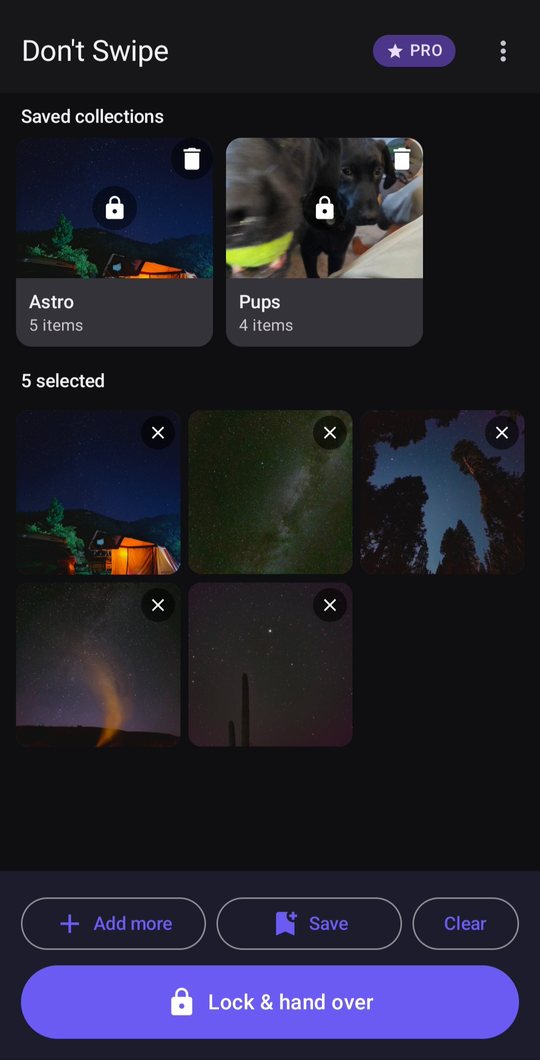
The selection screen with five photos chosen and a Lock and hand over button

1Pick what to show

Choose photos and videos in the app, or select them in your gallery and tap Share → Show in Don't Swipe.

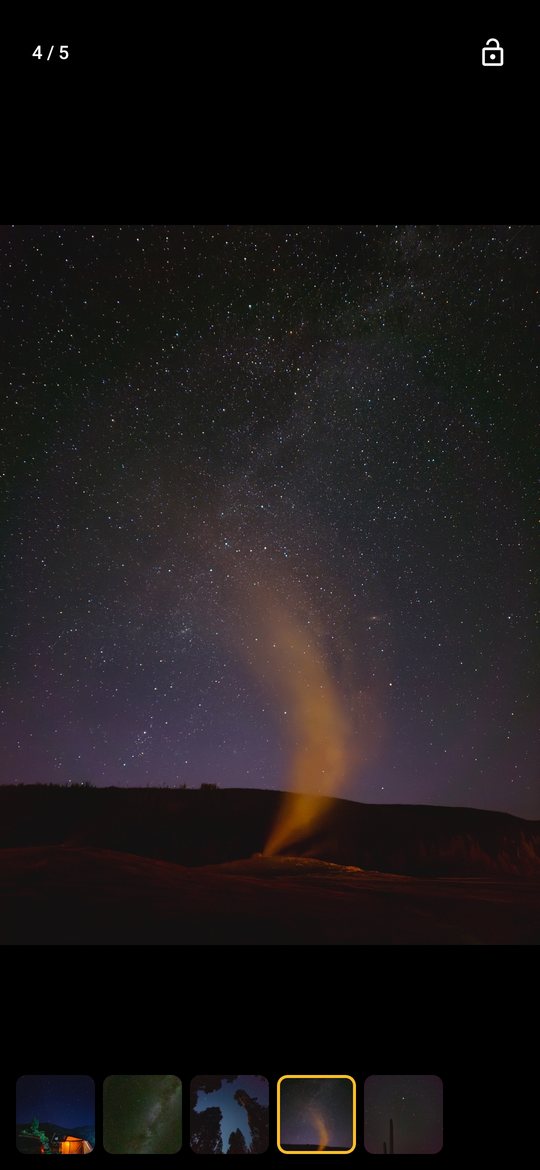
The locked viewer

2Hand it over

Your phone is pinned to a viewer with only those items. Swipe, zoom and play videos. No other photos, apps or notifications.

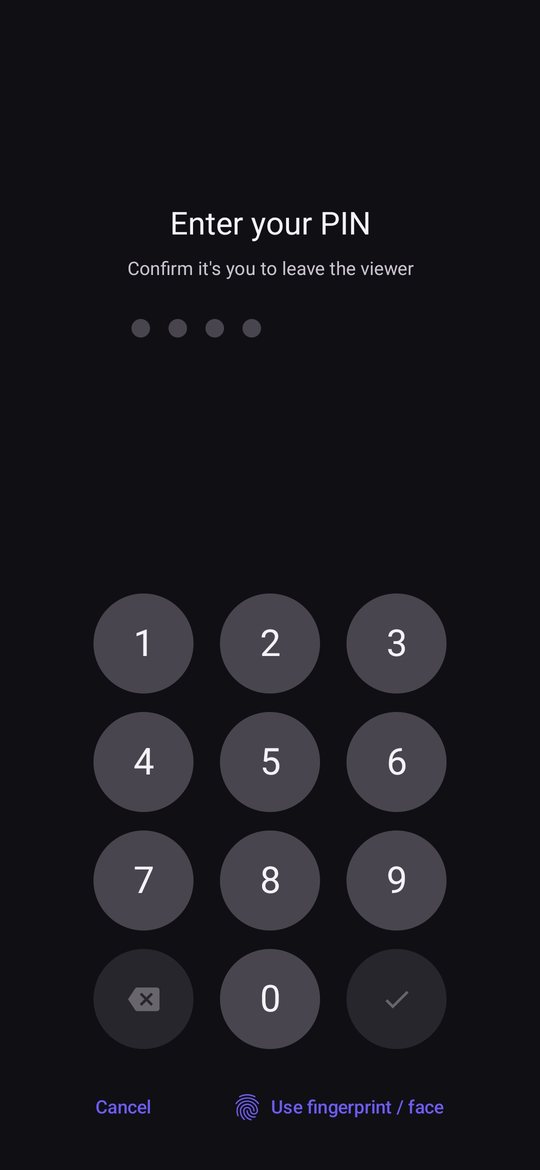
The unlock keypad

3Unlock to get out

Use your fingerprint, face or your Don't Swipe PIN. The keypad is built in, so your keyboard and clipboard never show up.

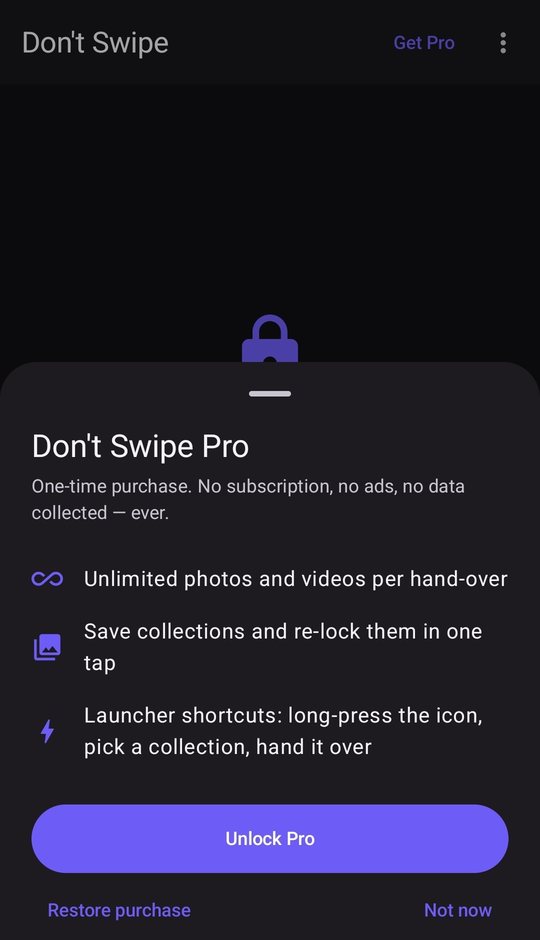
Don't Swipe Pro

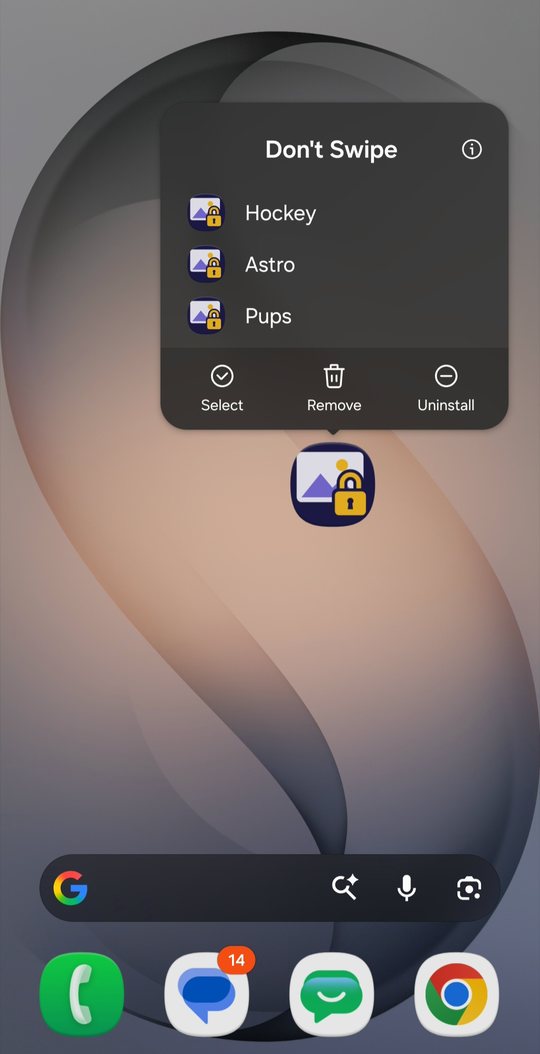
Your go-to sets, one tap away.

  • Unlimited itemsShow as many photos and videos as you like in one hand-over.
  • Saved collectionsKeep sets like "Pups" or "Road trip" and re-lock to them instantly.
  • Home-screen shortcutsLong-press the app icon and open a collection straight into the locked viewer.
FreeUp to 5 items at a time
ProOne-time purchase, no subscription

Privacy

Nothing leaves your phone.

No accounts

Open it and use it. There's nothing to sign up for.

No tracking

No ads, analytics or third-party trackers.

No uploads

The app only displays the photos you choose. It never copies or sends them.

Clipboard cleared

Whatever you last copied is wiped when you lock.

Read the privacy policy